From the team behind Email Signature Rescue — trusted by Seattle University, Universal Music, McAfee and Keller Williams, and doing this since 2013. A real visual and HTML editor, one-click deployment to Gmail, Outlook and Apple Mail, and central updates in seconds. No mail-flow rules. No IT ticket.
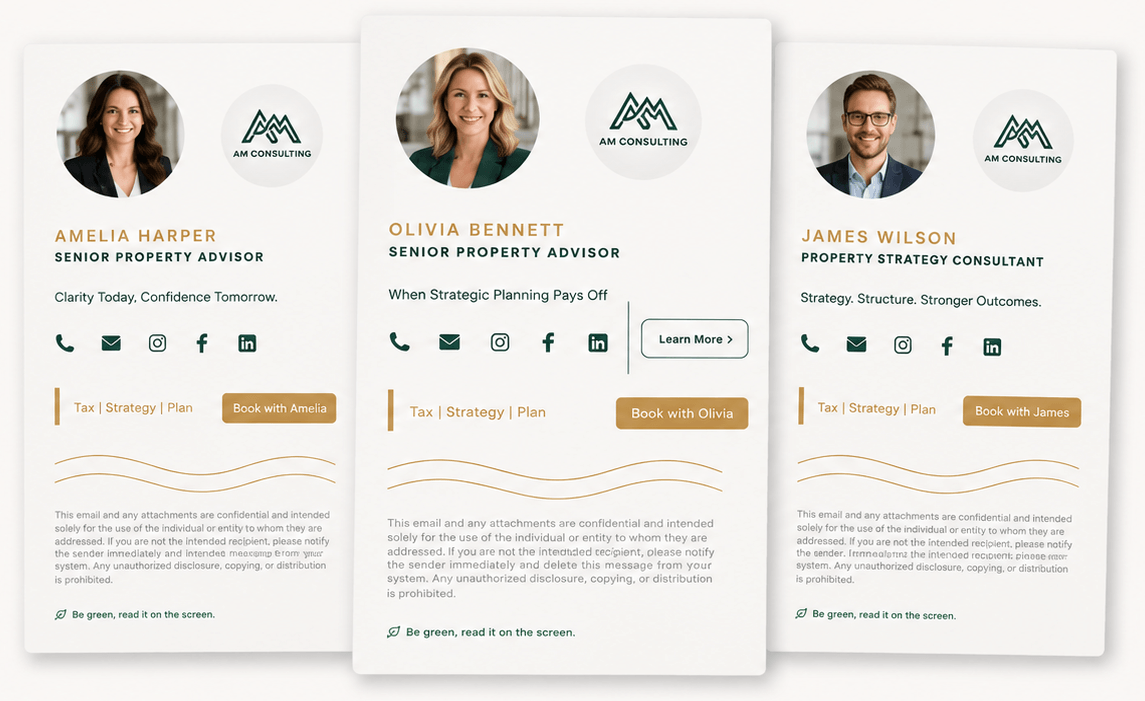
We're not a startup guessing at email signatures, and we're not a compliance vendor that bolted a designer onto a mail-flow rule. Since January 2013 we have done nothing else — first as Email Signature Rescue, now as SigStudio, rebuilt from the ground up on everything we learned from 200,000+ users.
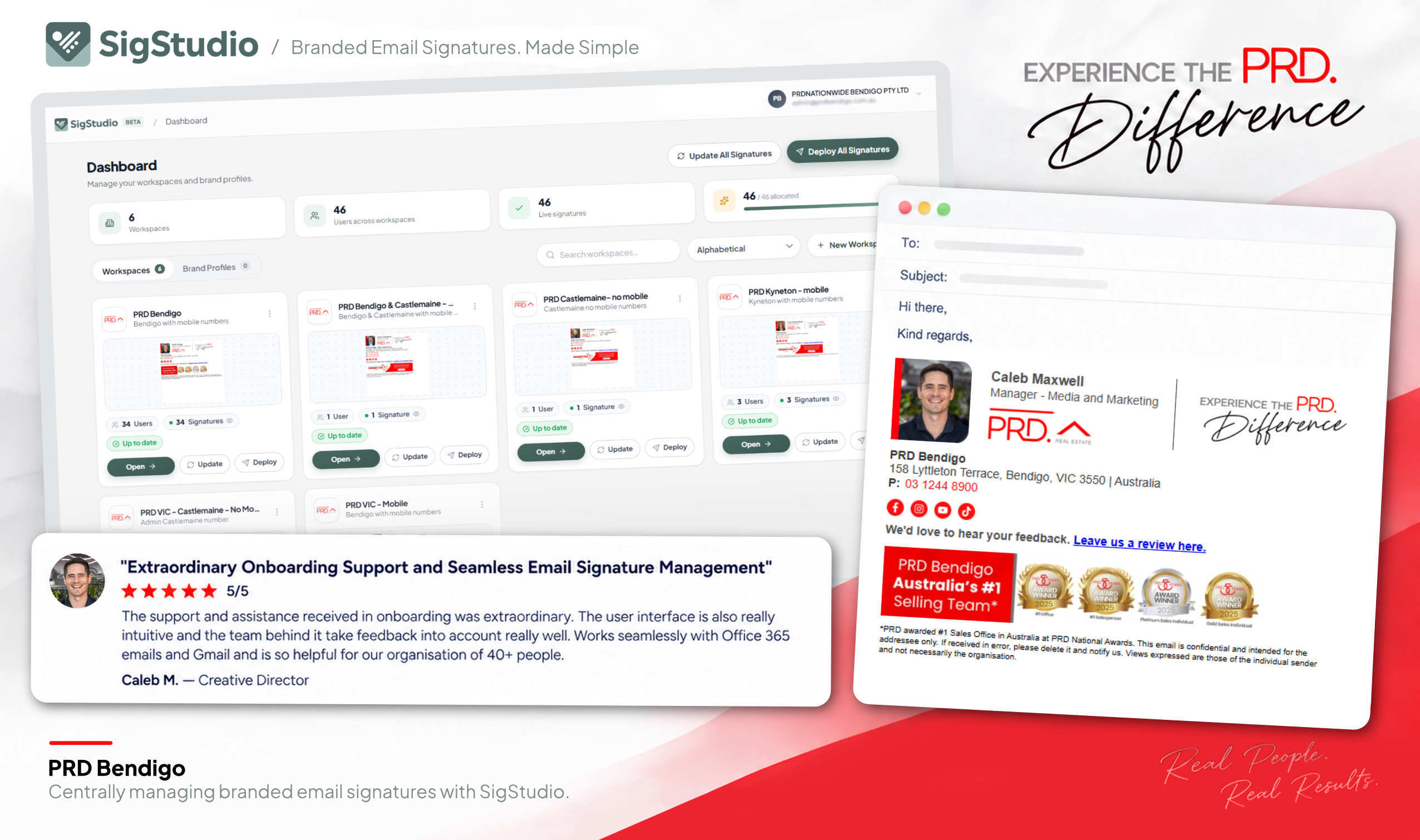
Hundreds of staff. One brand. A marketing team that needs to change a banner for everyone without raising a ticket — and staff on Gmail, Outlook and iPhones who just want it to work.
SigStudio is email signature management software that your whole company can actually use. Marketing designs the look, IT controls the rollout, non-technical admins and even end users can make updates themselves — so every signature stays on-brand and up to date without anyone waiting on a ticket.
Faculties, departments and campus services each had their own idea of a signature. Marketing needed one master template with department variants, and the ability to push a campus-wide banner without touching a single desktop.
Multiple labels and teams under one parent brand, all needing their own look, all needing central control. A signature platform had to respect brand rules while letting each team update its own people and promotions.
Agents on Google Workspace and iPhones, franchise brand rules, a photo and a listing banner per agent — and a team lead who was tired of doing it by hand.
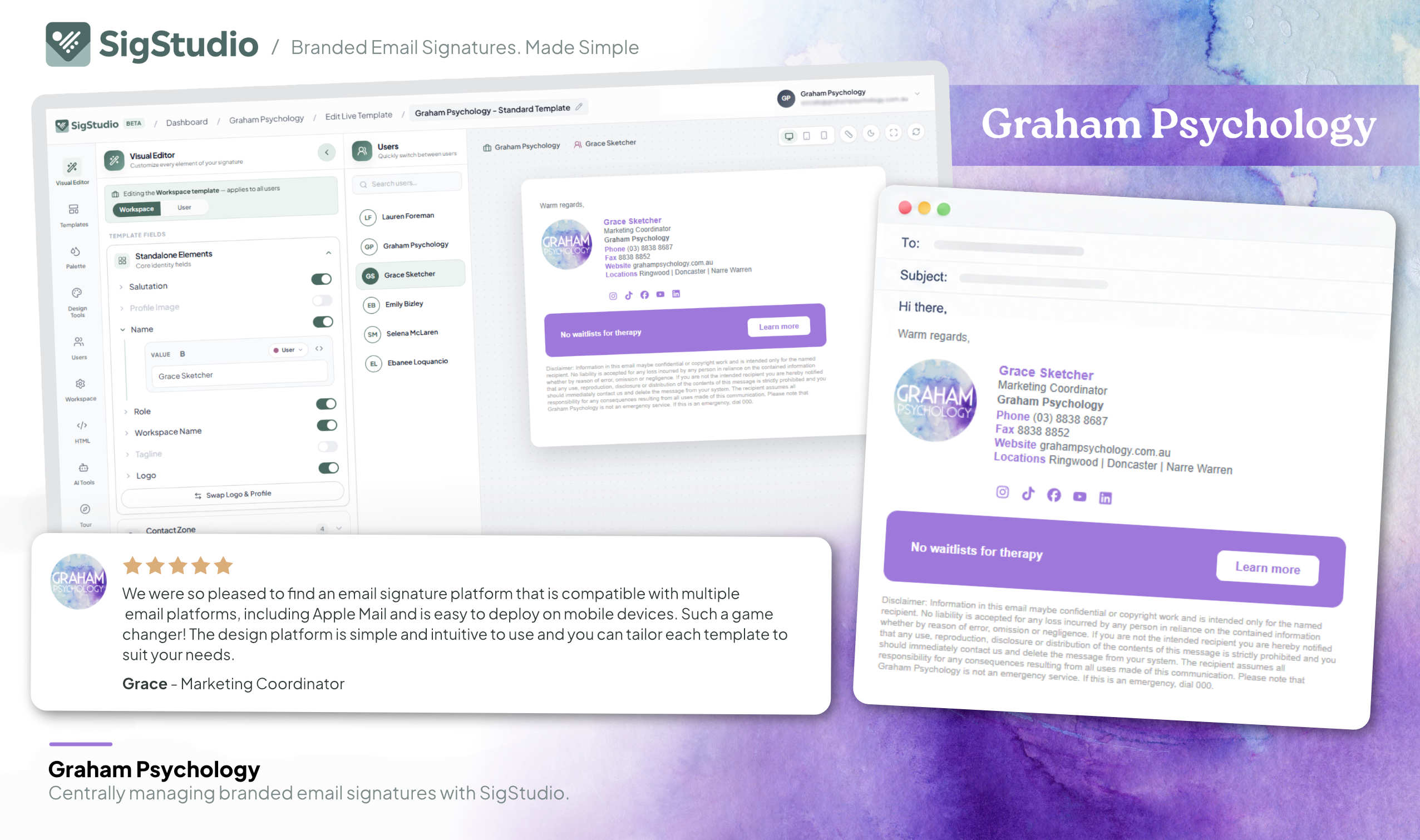
We're a small, close-knit team with one dedicated support specialist — and anything he can't solve is escalated straight to a Co-Founder, not to a tier-two queue. You'll be dealing with someone who has personally rebuilt more broken Outlook signatures than they'd like to admit. We never read your email — SigStudio never needs access to your email content — it only manages the signature.
Either everyone builds their own and the brand slowly falls apart, or IT buys an enterprise suite built for mail-flow rules and disclaimers — and marketing still can't change a banner without a ticket.
Free, until you count the hours, the tickets and the off-brand emails leaving your domain every day.
Every teammate's signature is a little different. 81% of companies say they deal with off-brand content — and marketers surveyed estimate consistent branding is worth a 33% revenue lift.4
A designer exports a beautiful PNG. It arrives as an attachment, nothing in it is clickable, it blurs in Outlook and it disappears when someone forwards the thread.
US hires and separations both ran at 3.3% a month in 2025 — roughly 40% of seats turning over a year.5 At a benchmark $22 per level-1 helpdesk ticket,6 a 100-person company spends real money just retyping phone numbers.
A third of professionals update their signature only every few years.7 Your old logo will outlive your new one.
More than a quarter of email is now read in dark mode.8 Your logo on a white box just became a white box.
A business user sends roughly 30 emails a day16 — about 7,500 a year, each one leaving your domain with nothing under it. That's the cheapest, most trusted ad space you own, unused.
Built for IT administrators and compliance disclaimers. Marketing gets a seat at the table — behind a Global Admin.
Setup needs a Microsoft 365 Global Administrator and mail-flow rules. Every change goes back through IT.
"Very hard to understand the user guide if you aren't an IT professional."CodeTwo review, G2 (1★)9
Server-side signatures are stamped on after you hit send — so they're invisible while composing, and Exclaimer's own documentation says they "do not appear in the user's sent items folder."10
"Users don't see the signature while composing, which sometimes confuses them."CodeTwo review, G29
No proper visual editor, no proper HTML editor — just a clunky designer and a lot of workarounds.
"The signature designer is clunky and unwieldy, things get stuck and there's a lot of 'ghost problems' around font and spacing."Exclaimer review, Capterra11
"HTML coding needed for fixing design issues."CodeTwo review, G29
What you design isn't what arrives.
"Logos often appear blurry or distorted in Outlook, compromising professionalism."Exclaimer review, G2, July 202611
10-user minimums at Exclaimer and CodeTwo (and, by every listing we could find, Xink). Exclaimer's list prices are billed annually, and its Starter plan includes one template and no user-details editor.12 CodeTwo has no Google Workspace product at all.13
"I submitted like 12 support tickets and still no response."Exclaimer review, Trustpilot, January 2026 (1★)11
SigStudio installs real, client-side signatures your team can see while they type and find in Sent Items — designed in a real editor, deployed in one click, and updated centrally by marketing. IT can be involved. IT doesn't have to be.
Every claim below comes from the vendors' own pricing pages and documentation, or from public reviews, checked September 2026. Sources are listed under the table — we'd rather you verify than take our word for it.
| SigStudio | Exclaimer | CodeTwo | Xink | |
|---|---|---|---|---|
| Built for | Marketing & brand teams (and the MSPs who serve them). Email signatures only, since 2013. | IT & compliance. Founded 2001 as an Exchange disclaimer tool; private-equity owned since 2020.22 | Microsoft 365 administrators. Founded 2007 making Exchange admin tools.23 | IT. Acquired by document-management group Omnidocs in July 2026.21 |
| Visual editor and full HTML editor | ✓Both, with live preview and merge fields. Design without code, or drop to HTML for pixel-level control. |
~Drag-and-drop designer only.Reviewers ask for "a CSS editor or the ability to use html" and cite "limited flexibility on html/custom email signatures."11 |
~HTML-based editor."No undo button when creating or editing a signature." "HTML coding needed for fixing design issues."9 |
~Legacy editor."The manner in which it requires you to create the e-signature… clunky."14 |
| Signature visible while composing & saved in Sent Items | ✓Yes. Signatures are installed in the mail client, so people see exactly what they're sending. |
✕Server-side signatures "do not appear in the user's sent items folder." The workaround needs a Global Administrator and is "not guaranteed."10 |
✕In cloud mode "your email signature will no longer be shown below your message."15 |
~Depends on deployment mode. |
| Google Workspace | ✓Connect your Workspace, import users, deploy to Gmail. |
✓Supported. |
✕Microsoft 365 only. "We are now working on it" (June 2024).13 |
✓Supported. |
| Apple Mail, iPhone & Android | ✓macOS app, iOS shortcut installer, mobile guides for Gmail and Outlook apps. |
~"Have to enable server-side sending for mobile signatures."11 |
~Add-in "is not available in Outlook for iOS and Android" — server-side only on mobile.15 |
~Varies by setup. |
| Needs a Microsoft 365 Global Admin / mail-flow rules | ✓No. Nothing sits in your mail flow and we never need access to your email server. Directory import from Microsoft 365 or Google is optional. |
✕Yes — tenant connection and the Sent Items workaround both require a Global Administrator.10 |
✕Yes. "CodeTwo tool only offers access for global administrators."9 |
~IT-led setup. "Getting it set up or making a change is an uphill battle."14 |
| Minimum purchase | ✓5 signatures. Unlimited users and workspaces on every plan. |
✕10 users.12 |
✕10 licences — one per user or shared mailbox routed through the service.13 |
✕10 licences (per third-party listings).21 |
| Pricing & billing | From $3 per signature / month, dropping to $2.25 at volume. Every feature included — no feature tiers, no add-ons. Monthly, cancel anytime, or annual with a month free.25 | $0.90 / $1.45 / $1.75 per user / month, billed annually. Starter includes one template and no user-details editor; analytics, integrations and extra custom fields need Pro.12 | ~$0.73–$1.36 per user / month depending on volume and term.13 | ≈ $1 per user / month (not published; per third-party listings).21 |
| Templates & design tools | ✓50+ tested templates, icon creator, banner creator, bulk photo uploader, AI template & logo tools, custom-built templates on request. |
~"Virtual Business Card template designs were very limited." Starter plan: one template.11,12 |
~"More templates would be nice (maybe a gallery)."9 |
~"Limited customization options."21 |
| Who answers support | ✓A dedicated support specialist, with escalations handled personally by co-founder Neil Lockwood. |
~Ticket queue, six-working-hour response target.24 17% one-star reviews on Trustpilot.11 |
✓Ticket and phone, generally well reviewed. |
~Ticket only. |
Exclaimer, CodeTwo and Xink are trademarks of their respective owners. Quotations are from public reviews and vendor documentation and reflect the reviewer's experience at the time of writing. If you think we've got something wrong, tell us and we'll fix it.
Every email your team sends is a 1:1 message from a real person to someone who wanted to hear from them. That's the most trusted impression in marketing — and you're already paying for it. SigStudio just makes it count.
Import your users from Microsoft 365, Google Workspace or a CSV, rebuild your template in the visual editor (or paste your HTML), and deploy. Marketing owns the brand; IT gets their Global Admin credentials back.
A business user sends roughly 30 emails a day.16 Put a banner under every one and a 25-person team generates about 190,000 impressions a year for $900 — in personal emails, not a feed.
Marketing emails average a 35.6% open rate and a 2.6% click rate.20 A reply from your account manager gets read. Push a product launch, event or hiring banner across the whole team and it reaches the clients, suppliers and candidates who never subscribed to anything.
New hire, new title, new number, new campaign, new logo — every one is a ticket or a favour. Lock the layout, let teammates update their own details, and change the brand once for everyone. No PNG signatures. No "can you send me the HTML again?"
Drag the sliders. We'll show what the same number of impressions would cost on paid channels — and what SigStudio costs for the year.
of people trust recommendations from someone they know more than any form of advertising — and 38% actively distrust online banner ads.
of consumers say a professional email signature increases their trust in a company. 42% think less of a company whose emails don't have one.
Every email is a real person writing to a real person. No algorithm, no "Promotions" tab, no ad blocker. Your brand rides on the most trusted message format there is.
Thirteen years of edge cases — Outlook's table quirks, Gmail's signature limit, Apple Mail's image handling, dark mode — baked into a platform a marketer can run without a manual.
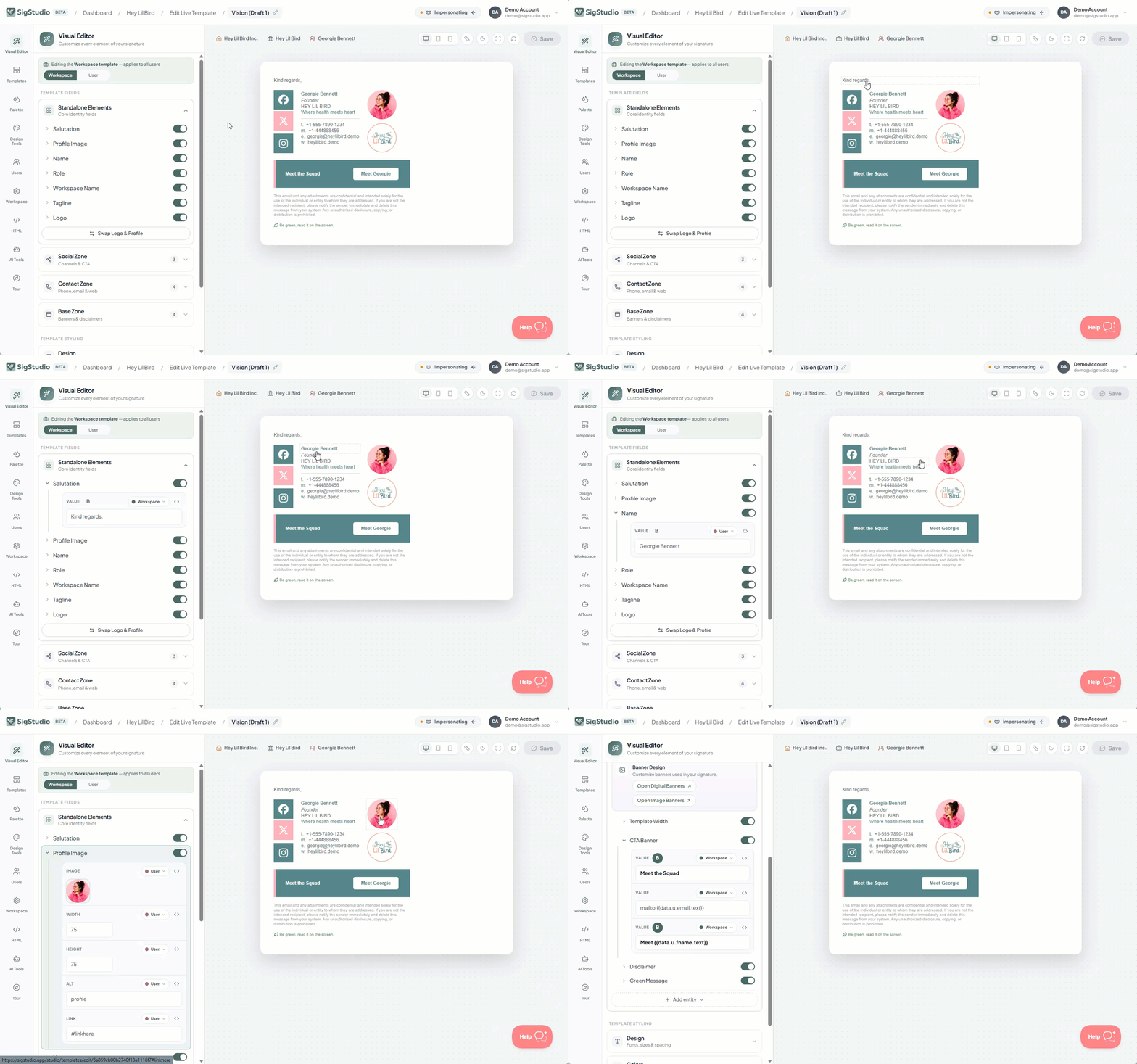
Start from 50+ templates tested across every major client, or paste the HTML your agency built. Lock the layout, fonts and colours so it stays on brand no matter who edits it.
One click to Gmail, New & Classic Outlook and Apple Mail. Push the Outlook add-in to everyone from Microsoft 365 admin, or let teammates install with a browser extension, the Windows/macOS app or the iOS shortcut.
Change the template once and every deployed signature and hosted link updates. Swap a banner for the whole company, one region or one client — from your desk, in seconds.
Reviews of Email Signature Rescue — the platform SigStudio grew out of, built by the same team.
★ Trustpilot · 4.8 / 5 from 323 reviews"Managing individual signatures was getting out of hand. Email Signature Rescue makes the process much easier and integrates easily with Gmail."
"We use ESR for all of our team's emails, and as a design agency we also recommend them to our clients as the #1 option. The signatures are easy to build, design and install for our clients so it's a no brainer."
"I've used Email Signature Rescue for 5+ years and it's such an easy platform to use … [pushing updates] to my team's signatures with no effort by them!"
"Love how easy it is to change our banners. I am able to update staff remotely."
"I have used them for the last 8 years."
"Good product and makes assigning signatures to your team really easy."
No Starter / Standard / Pro ladder. No "that's an add-on". One plan with every editor, every design tool** and unlimited users and workspaces — priced per signature, so you only pay for the people who actually send email, and the rate drops as your team grows.
Build one for $1, deploy it to five people, and see it in your real inboxes. If you get stuck, a real person will help — and if it's tricky, it lands with the co-founder. We've been doing this since 2013.
