
Send All Signatures to Your Team
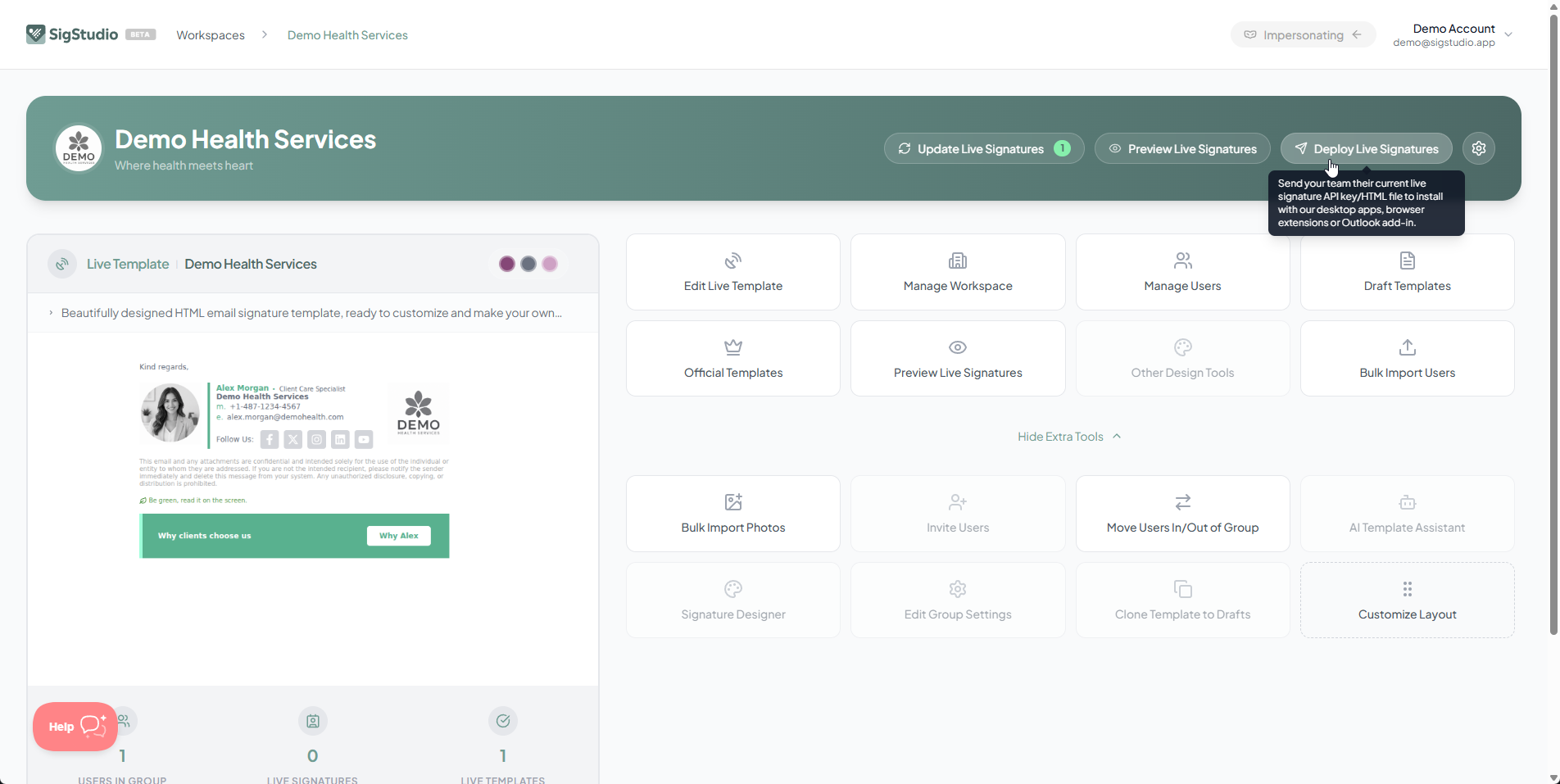
Once your signatures are processed and ready, you can send them all to your team in one click from the Dashboard.
Send All Signatures
Go to your Workspace Dashboard and press the Send All Signatures button. This will email each user their signature with installation instructions tailored to their email client.
What Gets Sent
Each team member receives an email containing:
- Their unique API key for installing signatures
- A direct link to their signature HTML file
- Step-by-step installation instructions for their email client
- Links to SigStudio's installation apps and browser extensions
Resend Individual Signatures
You can also resend signatures to individual users by clicking on their signature card on the Dashboard and pressing Resend.