
How to Edit Social Icons in Your Email Signature
Social media icons are managed through the Visual Editor's Social Zone section.
Editing Social Icons
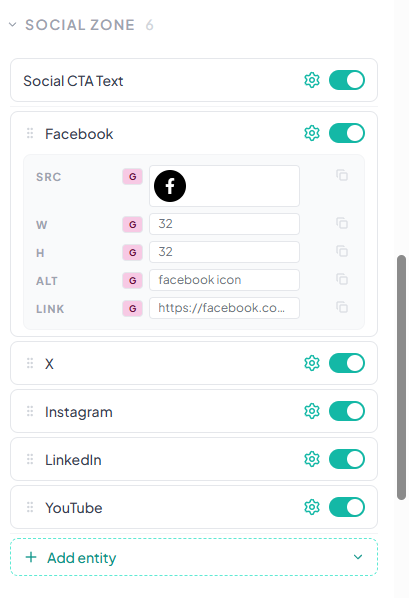
In the Visual Editor, scroll to the Social Zone section. You'll see toggles for each available social platform. Turn on the platforms you want to display.
Setting Link Sources
For each social icon, choose whether the link comes from Group data (shared across team) or User data (unique per person) using the G and U buttons.
Custom Icon Images
SigStudio provides a library of icon styles. You can also upload custom icon images if you have specific brand requirements for your social icons.
Icon Sizing
Social icons can be resized in the Visual Editor. The recommended size is 20-24px for optimal display across email clients.