Adding Users to SigStudio
There are several ways to add users to SigStudio.
Add Users Manually
Go to Users and press Add New User. Enter the user's name, email, and role. Other fields like phone and department are optional.
CSV Import
For larger teams, go to Groups → Bulk Upload tab and upload a CSV file. Download the template CSV first to see the required format.
From the Template Editor
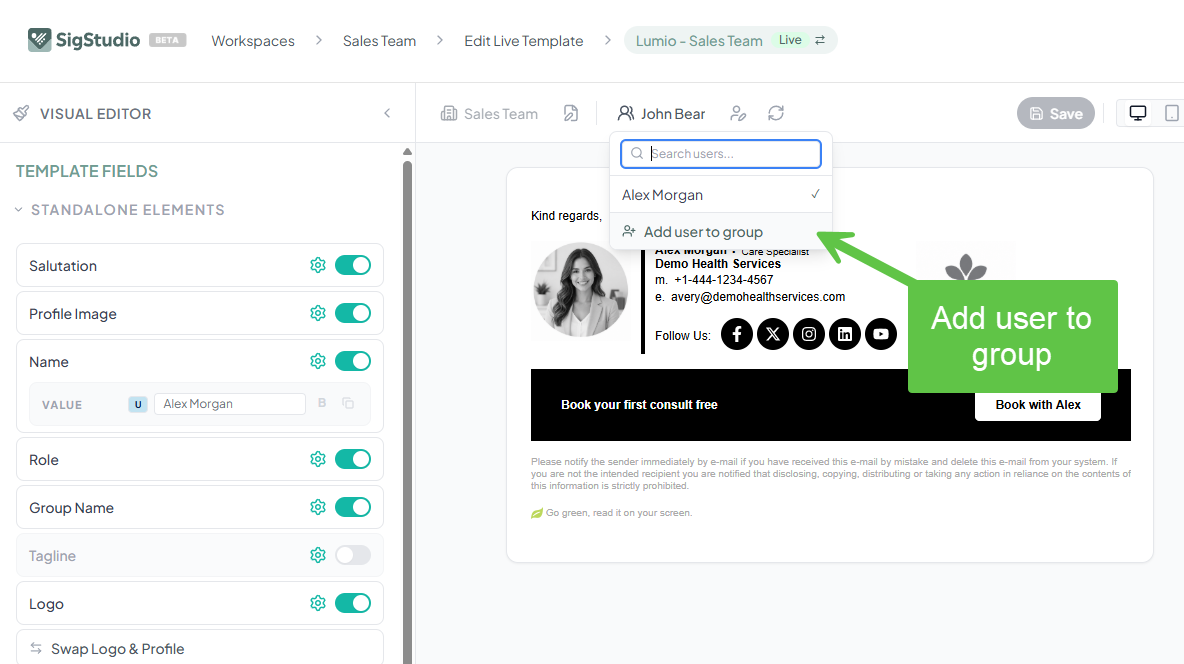
You can also add users directly from the Live Template Editor by clicking on the user name in the Preview Bar.